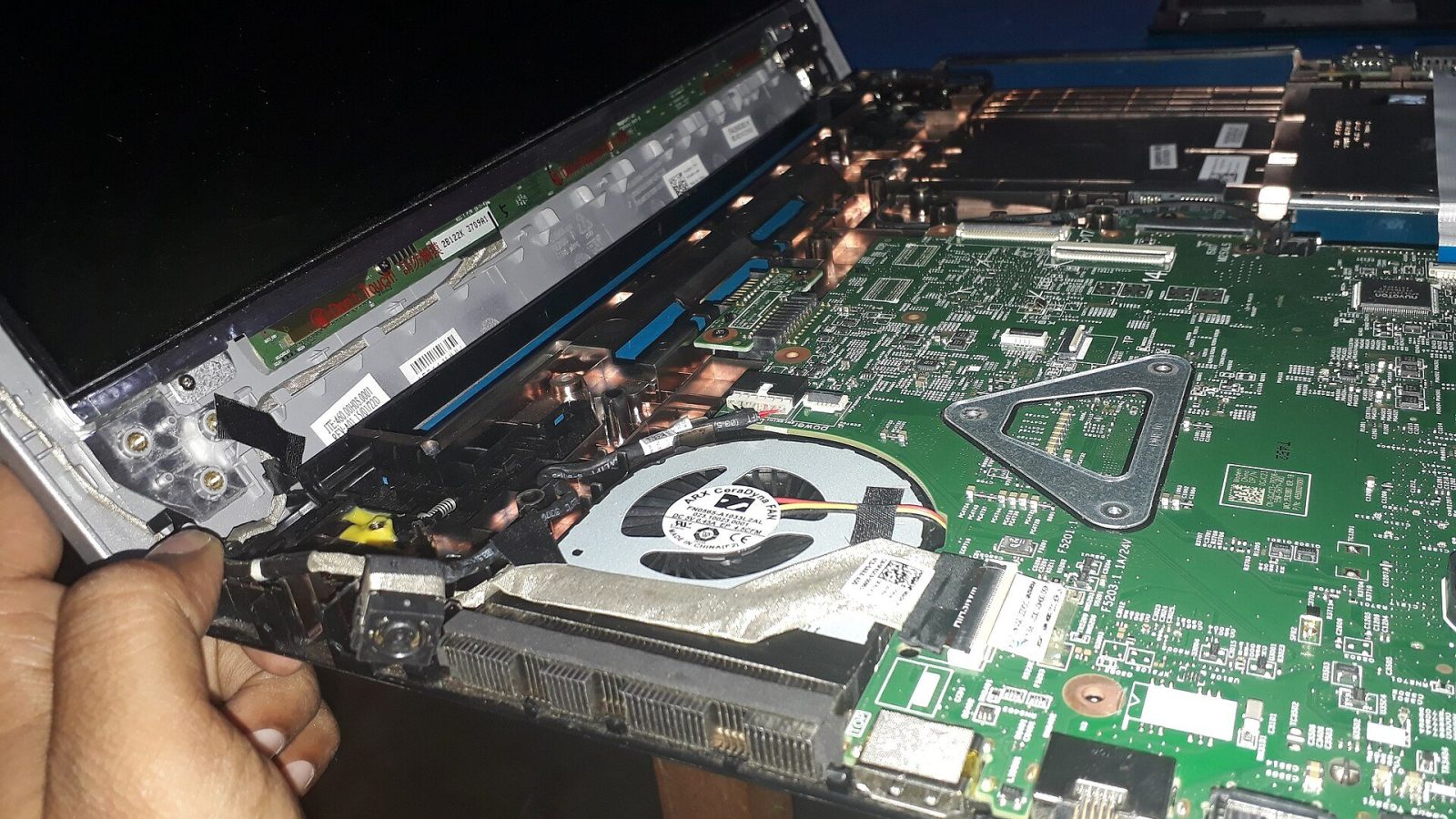
A laptop pulls in air to cool its processor and graphics chip, and with it come dust and fabric fluff. Over time a layer builds up that blocks the vents and coats the cooling fins, while the thermal paste between the chip and the heatsink dries out.
Signs not to ignore
- The fan runs loud even for simple tasks.
- The keyboard area or the underside gets hot.
- Sudden slowdowns, or stuttering video and games a few minutes in.
- The laptop shuts down by itself under heavy work.
What a clean includes
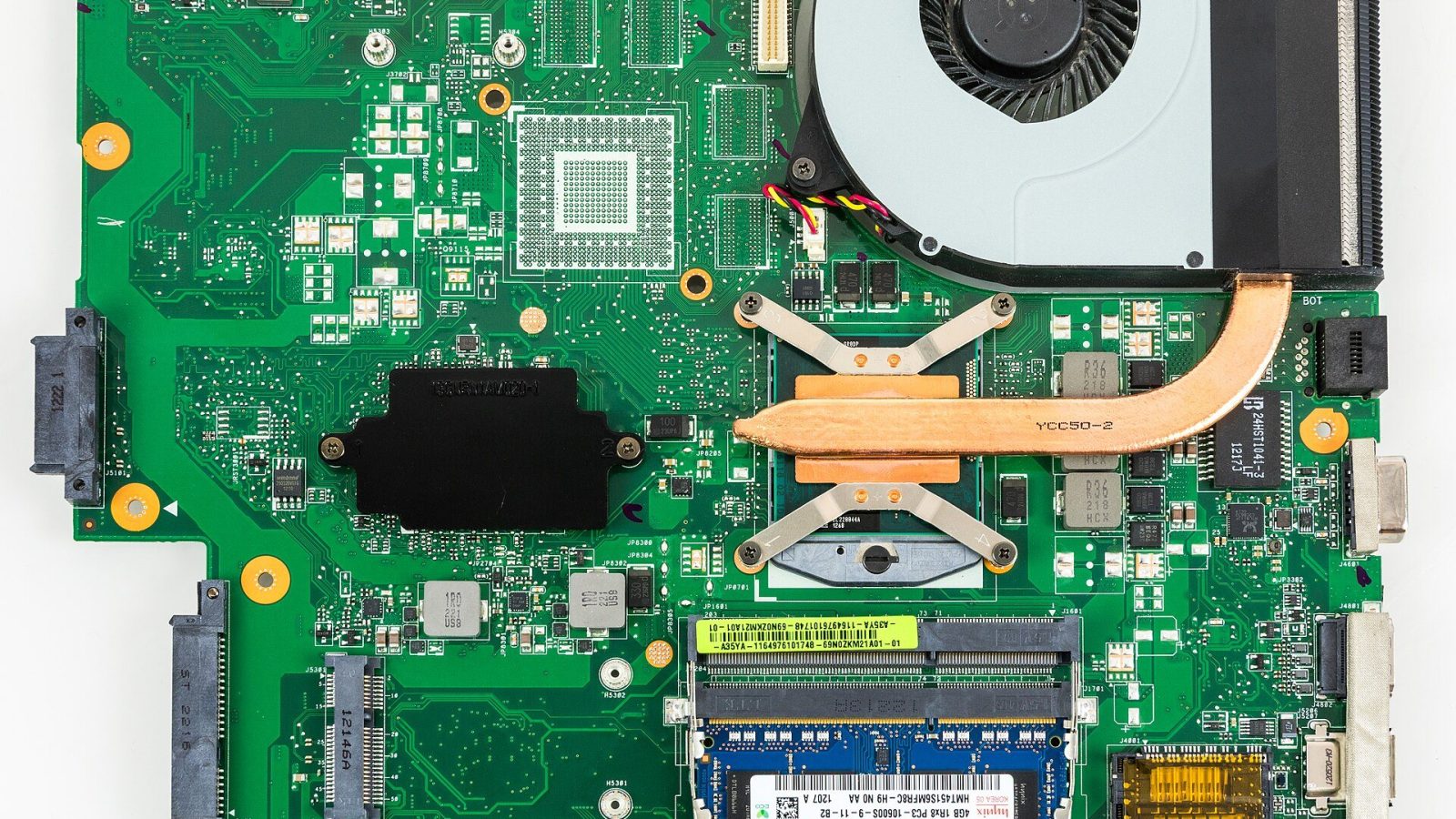
We open the laptop, clean the fan, cooling fins and vents, replace the dried thermal paste with fresh paste, then test temperatures under full load before and after. It usually takes one to two hours.
How often?
Once a year for most people, and every six months if you use your laptop for long hours every day, for gaming, or in a home with pets.